HOW TO REMOVE VOCALS ANY SONG:
Finding a karaoke or instrumental of any song is pretty easy
these days through youtube but you face the real problem when that song isn’t popular.
Well it’s not really abstruse.
Usually people think it isn’t easy to make a song without
having a studio. Well now time has changed. You can do anything online.
If you get the background music of any song, it will be
really easy for you to make any song out of it.
I’m gonna show you some basic steps to remove vocals from any
song.
Following are the steps.
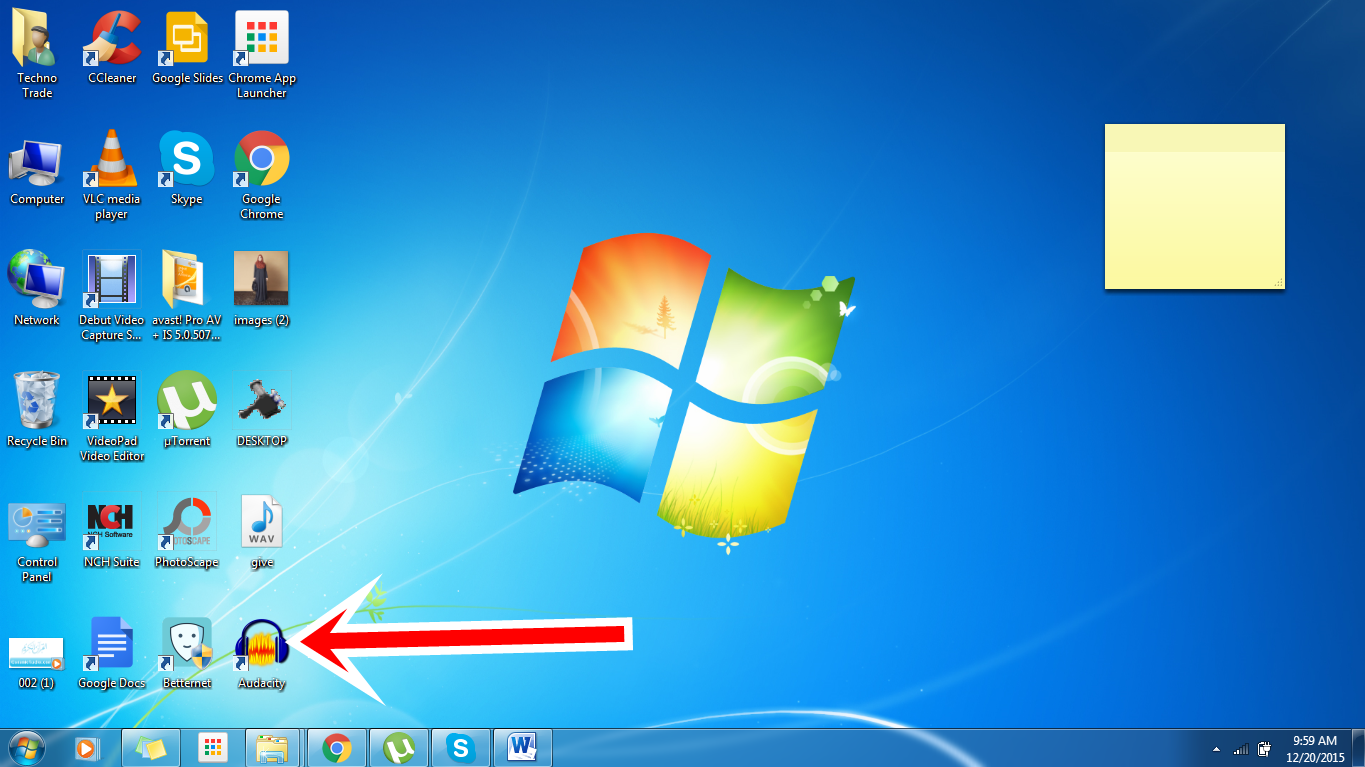
1. DOWNLOAD
AUDACITY:
AUDACITY is free to use multi track audio editor that let you
edit your audio in your desire need that can easily remove vocals from any
song. It can edit, record audio export WAV file. You can cut , copy and paste
features with the possibility to undo it. Its latest version is 2.1.1 exe.
Now
you have to import any song that you want to change
3. SPLITING
STEREO TRACK:
Now you have to split stereo track.
Now you’ve to choose any one track and double click on it.
Now you’ve to choose effect and then click on invert
Now you just have to choose MOONO in both track.
Now enjoy your song without vocals and make your own song out
of it.




.jpg)
